Available on
Invoices and online payment on every plan. Free carries a 1% Stripe Connect fee and caps at 15 invoices per month. See pricing.
Send an invoice. They pay from their phone. You stop chasing.
Stripe Checkout, partial payments, account credits, statements, automatic follow-ups. The "get paid" part of the job stops being your job.
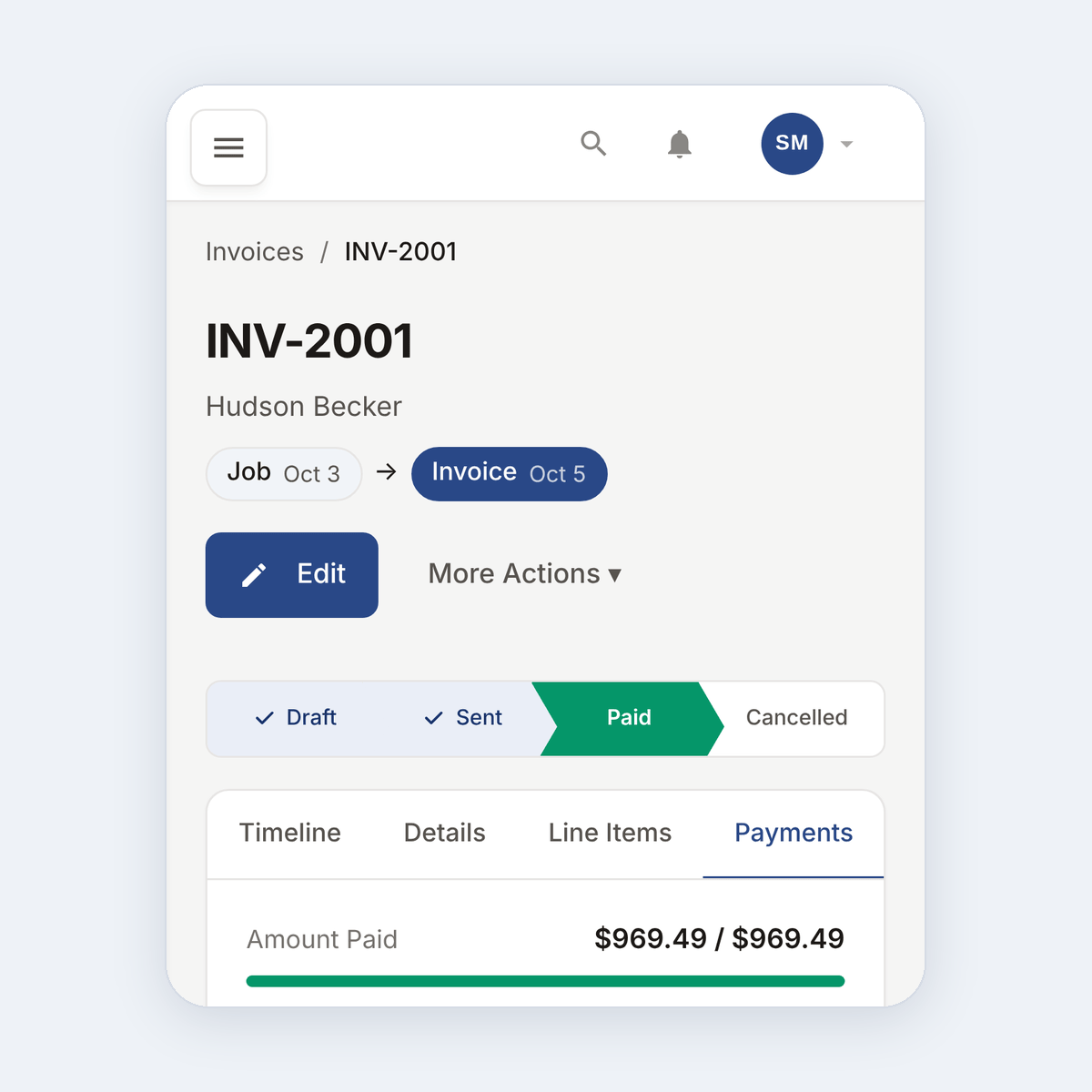
What this solves
You finished the job last Thursday. The invoice went out by email. It is Tuesday and you have not heard back. You hesitate to text because it feels pushy. You let another week slide because you are busy. Three weeks later you are calling about a $480 invoice and the client says "oh sorry, I lost the email."
EosLog invoices are built so the client pays without you reminding them. The email has a payment button right at the top. The button opens Stripe Checkout on their phone. They pay with a card, Apple Pay, or Google Pay. The payment posts back, the invoice closes, and the next morning your dashboard shows the cash.
For the clients who still drift, a quiet follow-up email goes out at the right intervals so you do not have to send the awkward "just checking in" text.
How it works
-
Send the invoice.
Build from scratch or auto-fill from a completed job. Line items pull from the job, your tax rates apply automatically, and you preview before send.
-
The client pays online.
Their email has a Pay button. It opens Stripe Checkout on their phone. They use a card, Apple Pay, or Google Pay. Payment posts back to you in real time.
-
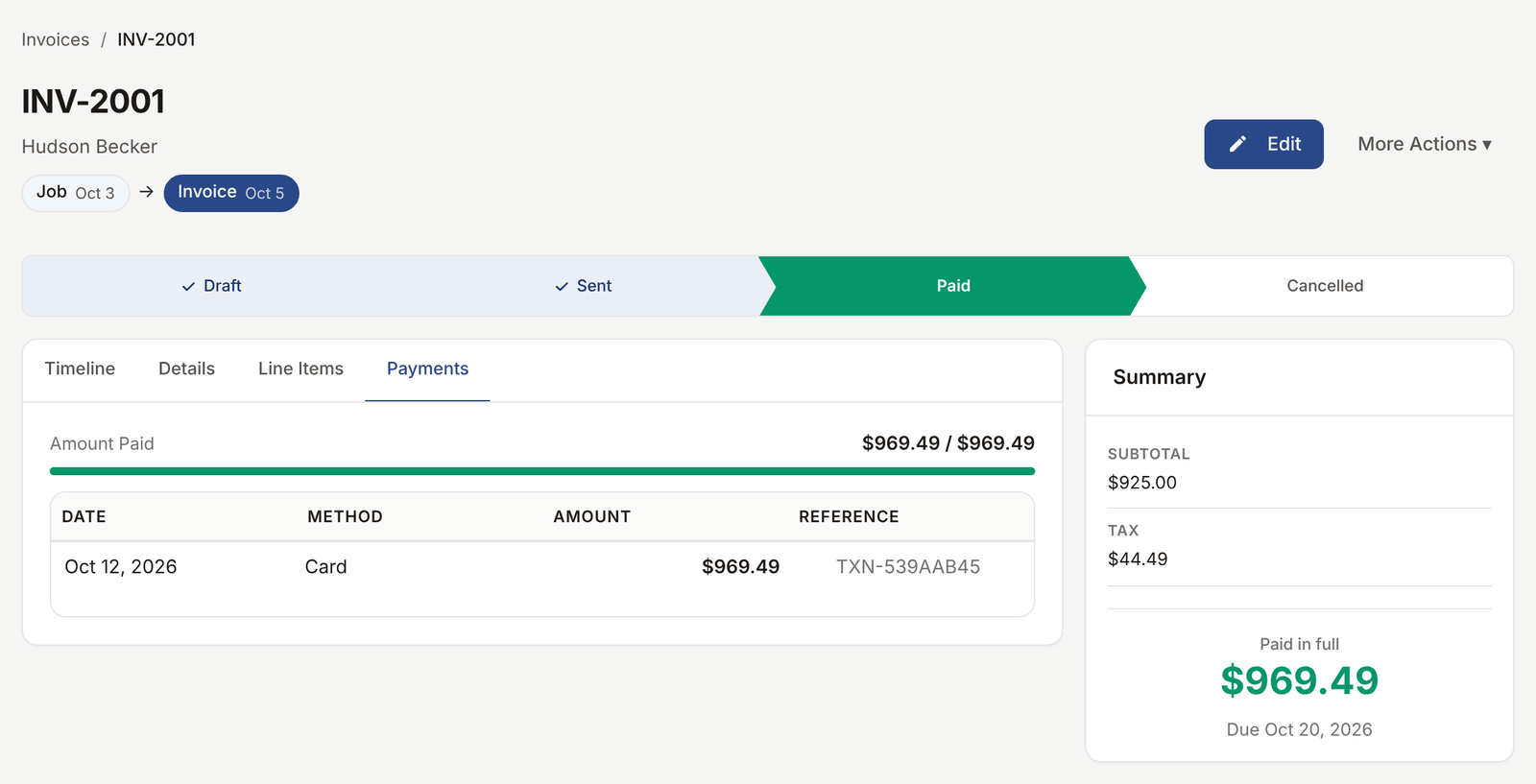
The payment posts to the right places.
The invoice marks paid. The client's balance updates. If you sync to QuickBooks, the payment lands there too. Your dashboard shows the cash on the day it arrives.
-
The slow payers get a polite nudge.
Automatic reminders go out on the schedule you choose. The client gets a soft "hey, here is your invoice again" email at 7, 14, and 30 days. You do not have to write or send any of it.
See it live
Open any invoice in the demo and view the client-facing payment page, the same one a real client sees.
Open the live demoNo signup. Click around.
What's included
- Build from scratch or auto-create from a completed job
- Stripe Checkout with card, Apple Pay, Google Pay
- Partial payments, multiple payments per invoice
- Cash and check tracking for the offline payments
- Account credits applied to future invoices
- Client statements with full balance history
- Automatic overdue reminders at the cadence you set
- QuickBooks sync for invoices and payments
Plan availability
Invoices and online payment work on every plan. Free caps at 15 invoices per month and EosLog takes a 1% app fee on Stripe Connect payments. Solo, Crew, and Shop are uncapped and the app fee is waived. See pricing.
Common questions
How fast does the money hit my account?
Stripe payouts hit your bank account in 2 business days by default. Faster payouts available through Stripe directly.
What about clients who only pay by check?
Mark those payments manually. The invoice closes, the client's balance updates, and your reporting includes them just like online payments.
Can I take a partial payment now and the rest later?
Yes. Take any amount. The invoice tracks how much is paid and how much is left. The client can come back and pay the balance from the same email link.
What if I have a long-time client with a credit on file?
Apply an account credit to any invoice. The credit reduces the balance owed and shows on the statement.
Can I send a statement showing every invoice and payment for a client?
Yes. Open a client, click "Statement," pick the date range, send as PDF or email.