Available on
Time tracking starts at Solo and is included on Crew and Shop. See pricing.
Time tracking that ties hours to the right job and client.
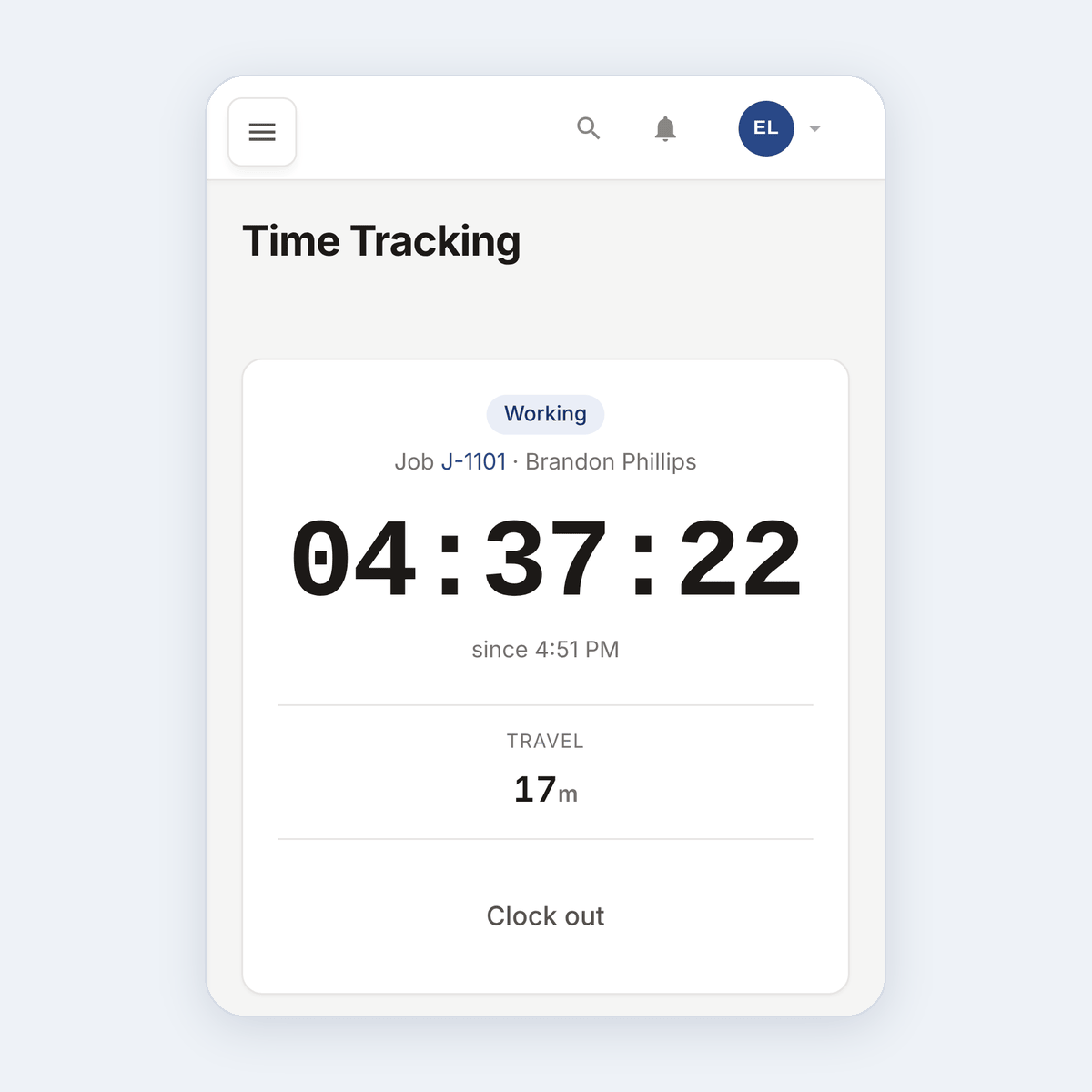
Workers tap to clock in, arrive, take a break, and clock out. Hours land on the right job. You approve the week in five minutes. CSV or PDF to payroll.
What this solves
You pay your guys for 40 hours but you have no idea how those hours broke out across last week's jobs. You profit on the kitchen remodel and lose money on the gutter job, but the books look the same either way. You ask the crew at the end of the month to remember, and you get a guess. The numbers you need to know which work is actually making money are not there.
Time tracking in EosLog ties every hour to a job, a client, and a worker. When a tech taps "clock in," the entry starts. "Arrived" records when they got to the site. "Working" tracks active hours. "Break" pauses. "Clock out" closes the entry. At the end of the week, you see who worked what, on which job, for how long. Approve in bulk or fix individual entries that need editing.
The CSV export goes straight to payroll. The profitability report uses the same data to show which jobs and which clients are actually paying off.
How it works
-
The worker clocks in.
Open EosLog in any browser or the native app on iOS or Android. Tap clock in. The current job is pre-selected. Their time entry starts.
-
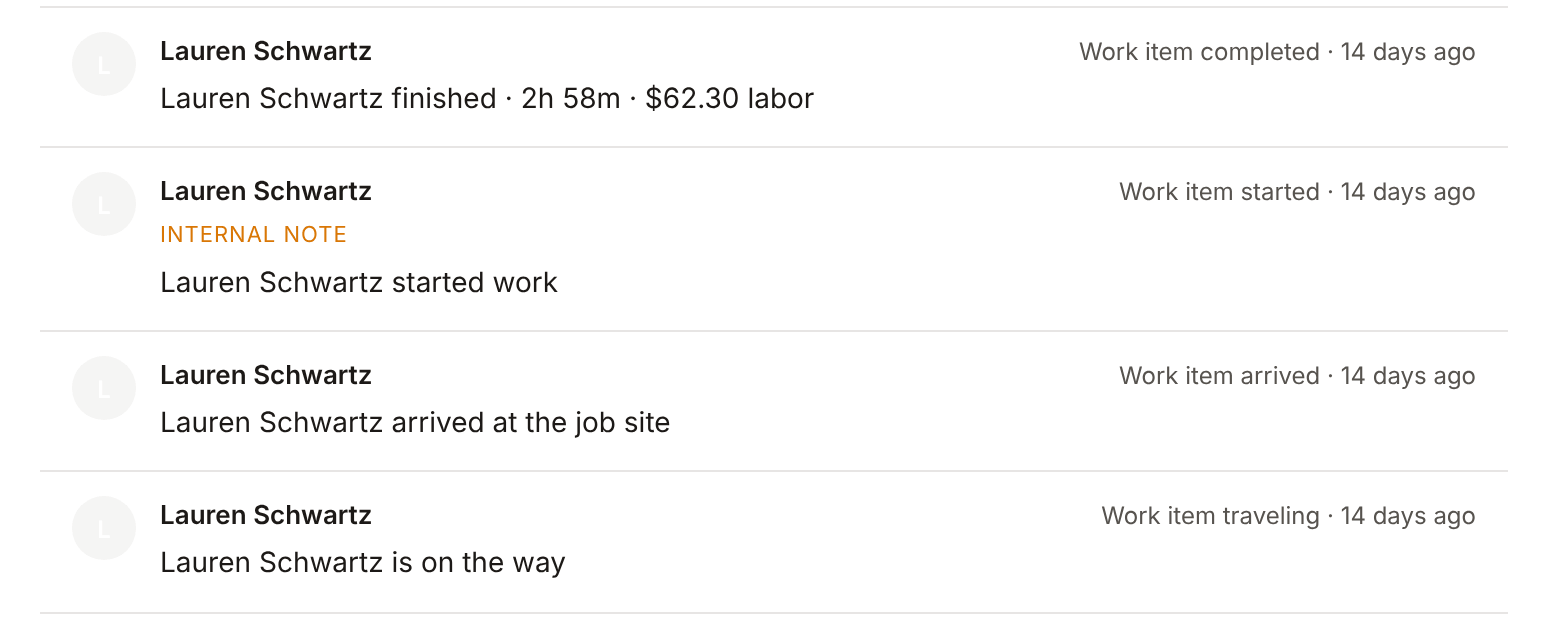
They move through the states.
Arrived, working, break, clock out. Each state is one tap. The timeline records the transitions so you can see exactly how the day went.
-
You approve the week.
Open the timesheet review. See every worker, every entry. Approve the right ones in bulk. Edit anything that needs a fix. The worker gets a note when an entry is changed.
-
Export to payroll.
CSV by worker, PDF by week. Use whatever your payroll system needs. The data is the same data the profitability report uses.
See it live
Open the time tracking view in the demo and see how clock-in and timesheet review work.
Open the live demoNo signup. Click around.
What's included
- Mobile clock-in with four states (clock in, arrived, break, clock out)
- Per-job time entries tied to client and worker
- Manual entry for the times someone forgot to clock in
- Timesheet review with bulk approve and per-entry edit
- Edit audit so changes are tracked
- Auto-close for entries left running overnight
- CSV export for payroll
- PDF timesheet by worker or by date range
- Hours feed into the Reports profitability calculation
Plan availability
Time tracking is included on Solo ($39/mo), Crew ($79/mo), and Shop ($149/mo). Not available on Free. See pricing.
Common questions
Do workers need to know how to use new software?
No. The clock-in view is one screen with four buttons. They tap. The mobile flow is built for someone who has never opened the app before.
What if a worker forgets to clock out?
The system auto-closes stale time clocks overnight. You'll see the unclosed entries on the timesheet review with a flag so you can correct them.
Can I edit a time entry after the fact?
Yes. Edit in the timesheet review. The original time is logged in the edit history so you can see what changed.
Does it track location?
No. Time tracking records job assignment and state transitions, not GPS. If location tracking matters for your operation, that's on the roadmap.
Can I export to QuickBooks for payroll?
QuickBooks integration covers clients, services, invoices, and payments. Payroll time export goes through CSV today and lands in the payroll system you already use.