Available on
Stripe Checkout works on every plan. SMS, QuickBooks, and the automation engine come in on the higher tiers. See pricing.
The tools you already use. Wired into EosLog.
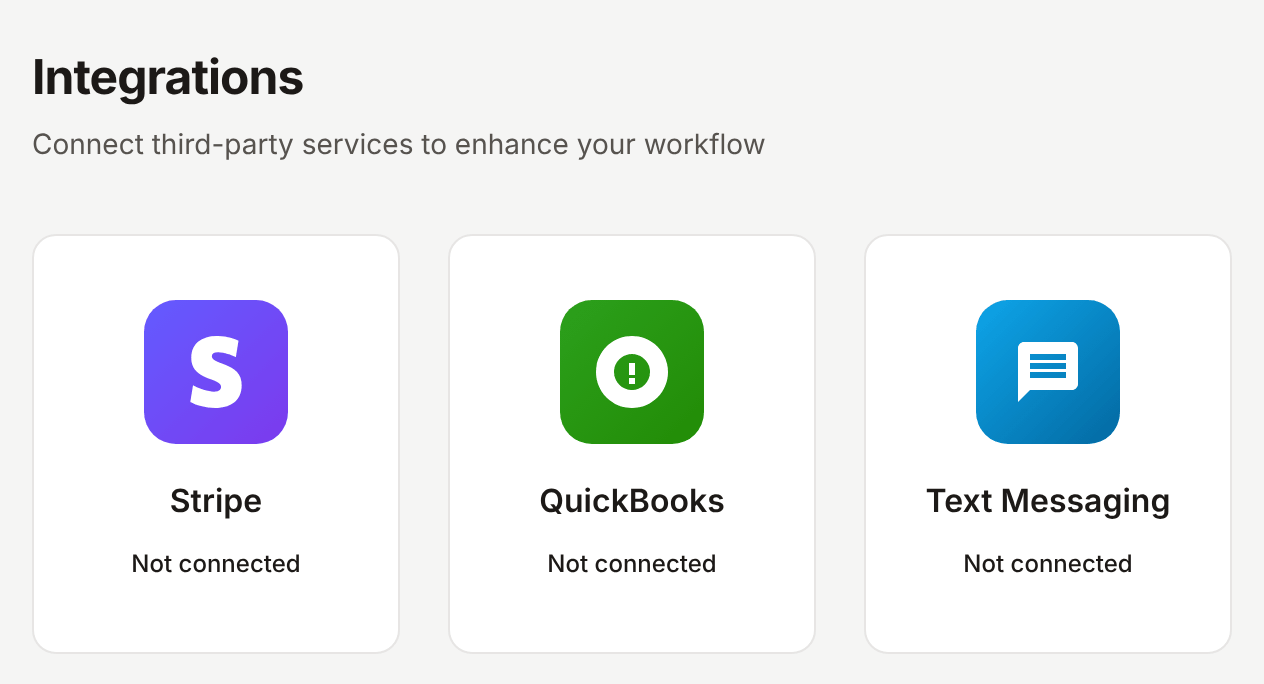
Stripe Checkout for online payments. SMS from your real business number. QuickBooks sync. Google Calendar deep-links. Each one is a few clicks in settings.
What this solves
You already pay for QuickBooks. You already have a phone number you give to clients. You already collect payments through some system that probably charges too much. New software that does not talk to any of that is a non-starter. So is a system that demands you abandon what is already working.
EosLog wires into the tools you already use. Payments go through Stripe Connect, the same processor that handles checkout for most of the internet. Texts go through a business number we register for you with the carriers so the SMS is compliant and your clients can save the number. Invoices and payments sync to QuickBooks so your books are not double-entered. Emails go out through a real sender so the bounce-handling and reply-threading is clean.
You do not have to migrate everything on day one. Turn on the integrations you need. Skip the ones you do not.
What's integrated
Stripe for online payments
Clients pay invoices and quote deposits from their phone with a card, Apple Pay, or Google Pay. The payment posts back to the invoice in real time. Stripe Connect sets up in five minutes, no separate Stripe account needed beyond your own. Free plan carries a 1% app fee, paid plans waive it.
SMS from your business number
We register a business number for you through the carrier A2P 10DLC process. Every text in EosLog goes out from that number. Clients save it in their phone like any other contact. Inbound replies thread back to the conversation.
QuickBooks Online sync
Two-way sync for clients, services, invoices, and payments. The open-AR import pulls your existing unpaid invoices into EosLog so you can switch without leaving money on the table. Run sync manually or on a schedule.
AI assistants (MCP connector)
Connect EosLog to an AI assistant that supports the Model Context Protocol, such as Claude or ChatGPT, and ask in plain language: what's on today's schedule, who still owes you, create a job, assign it, or draft and send an invoice. Before it sends an invoice, the assistant is told to confirm the amount and recipient with you. An admin or manager creates the connector token in Settings, AI Connectors. Every plan includes it, Free too.
See the connector's tool reference. No account? The free tools connector needs no sign-in and makes quote and invoice PDFs from the line items you give it.
Transactional email
Outbound email through a real sender, with bounce and complaint handling. Inbound replies to your invoices and intake forms thread back to the right conversation. No "did they get my email?" guessing.
Google Calendar deep-links
Every job and quote has an "Add to Google Calendar" link. Workers can also export their day as an .ics file. Full two-way Google Calendar sync is on the roadmap.
Google Analytics 4
For operators who want to see traffic to their public intake form and lead sources. Drop in your GA4 measurement ID and the events flow to your account.
More on the roadmap
Zapier connector. CRM sync. Two-way Google Calendar. Tell us what you need next.
How it works
-
Open the integrations hub.
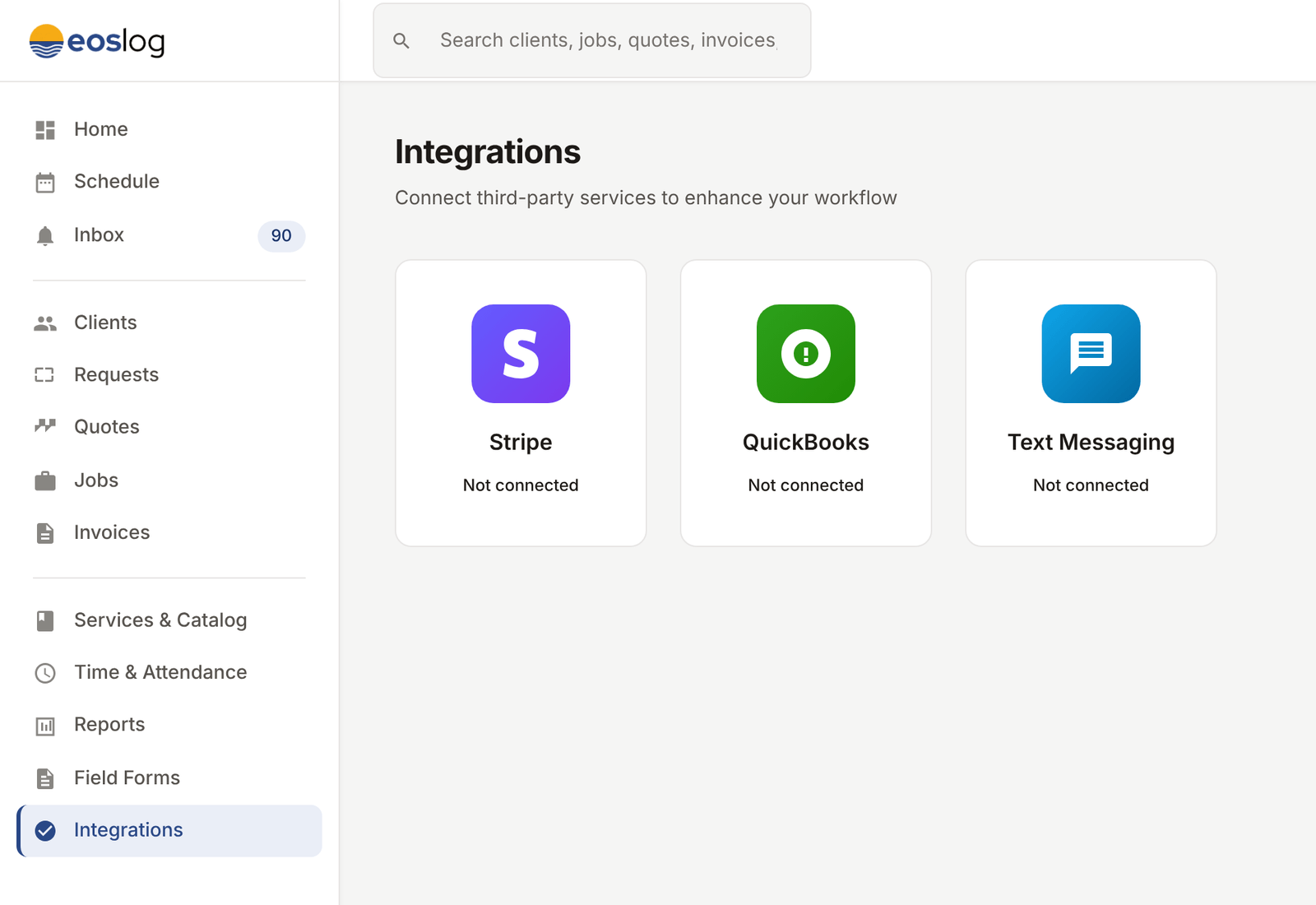
Settings, then Integrations. You see every available integration with a status: connected, not connected, or pending approval (SMS).
-
Connect the ones you want.
Each tile has a "Connect" button. Stripe is OAuth. QuickBooks is OAuth. SMS is a form (A2P 10DLC takes a few days to approve). Email is automatic.
-
The integration runs in the background.
Once connected, the integration does its work without you thinking about it. Payments sync. Invoices sync. Texts go out. Emails go out. Status callbacks come back.
Plan availability
The integration mechanics are free. The features they power follow each feature's plan gate. Stripe Connect is included on every plan (1% app fee on Free, waived on Solo, Crew, and Shop). SMS is on Crew and Shop. QuickBooks is on Shop only. Custom branding is on Solo and above. Email and Google Calendar deep-links work on every plan. See pricing.
Common questions
Do I need a separate Stripe account?
No. Stripe Connect creates an account for you in their flow. If you already have a Stripe account, you connect that one.
How long does SMS take to set up?
The form takes five minutes. Carrier approval (A2P 10DLC) takes 3 to 10 business days. Once approved, every text in EosLog flows through your business number.
Will QuickBooks sync overwrite my existing data?
No. The sync uses external IDs to match records and never deletes. Manual review available on the first sync.
Can I run EosLog without any integrations?
Yes. The product works without any integration connected. Add them as you need them.
Is my data shared with these integrations?
Only the data the integration needs. Stripe sees payment data. QuickBooks sees clients, services, invoices, payments. The email provider sees the message content for delivery. No integration sees more than the work it does.