Available on
The calendar and all four views work on every plan. Recurring jobs start at Solo. See pricing.
A calendar your whole crew can read at a glance.
Drag-and-drop scheduling, four views, recurring jobs, automatic reminders. The board you actually want to look at on Monday morning.
What this solves
Your schedule lives in three places. A paper notebook on your desk. A group text with your two guys. A Google calendar your spouse keeps trying to keep clean. By Wednesday someone has been double-booked, someone else does not know they have a 7am, and a client is calling asking why no one showed up.
The EosLog calendar is one source of truth. Every job lives on it. Every worker sees their own jobs without scrolling past everyone else's. You can drag a job to a different day, reassign it to a different person, or split it across two crews in a few seconds. When you move a job, the client gets the updated time. When you mark a worker as "on the way," the client gets a text without you typing.
If you run recurring services, you set the recurrence once. Every visit auto-generates on the calendar with the right client and address.
How it works
-
Pick the view that fits the moment.
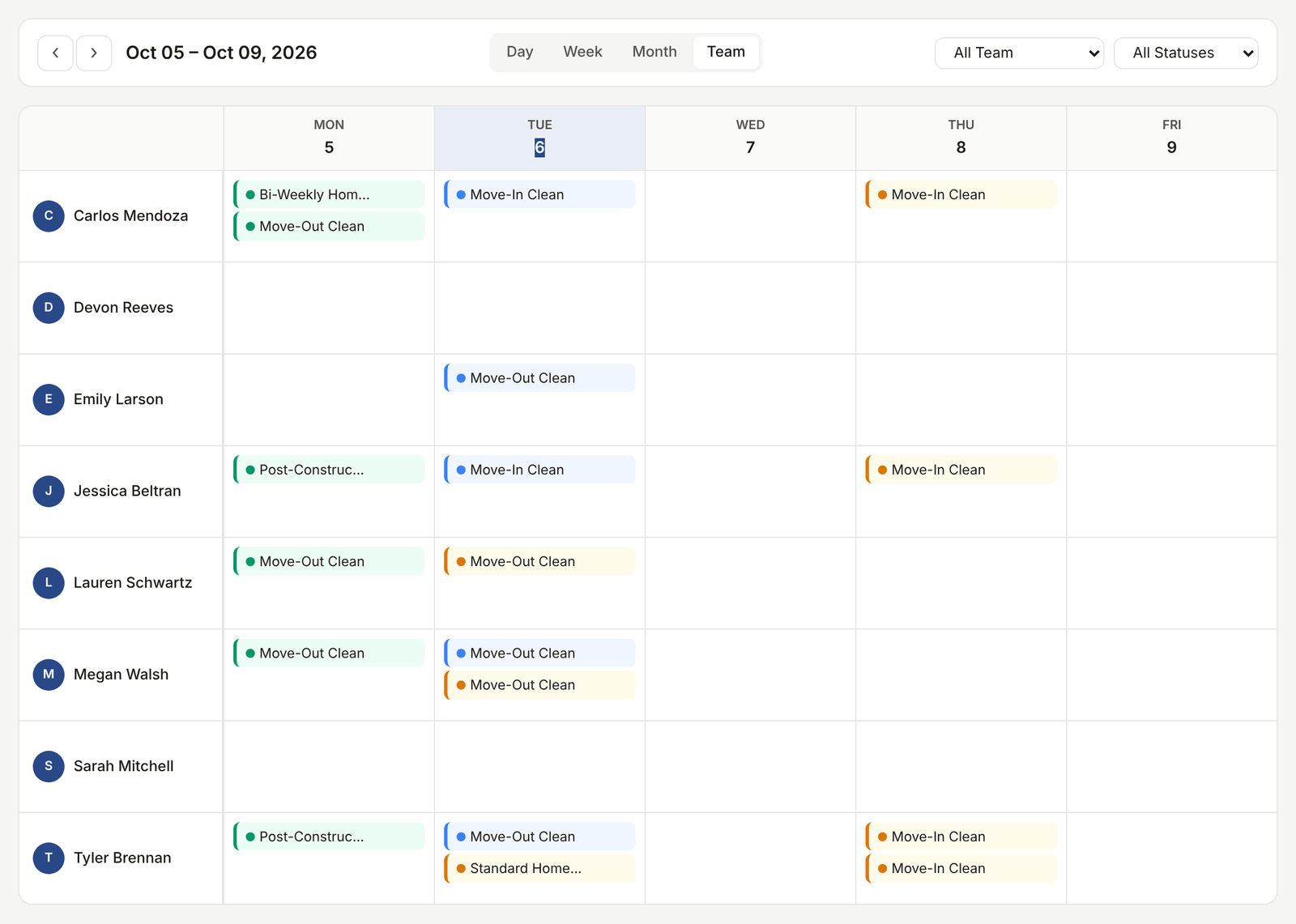
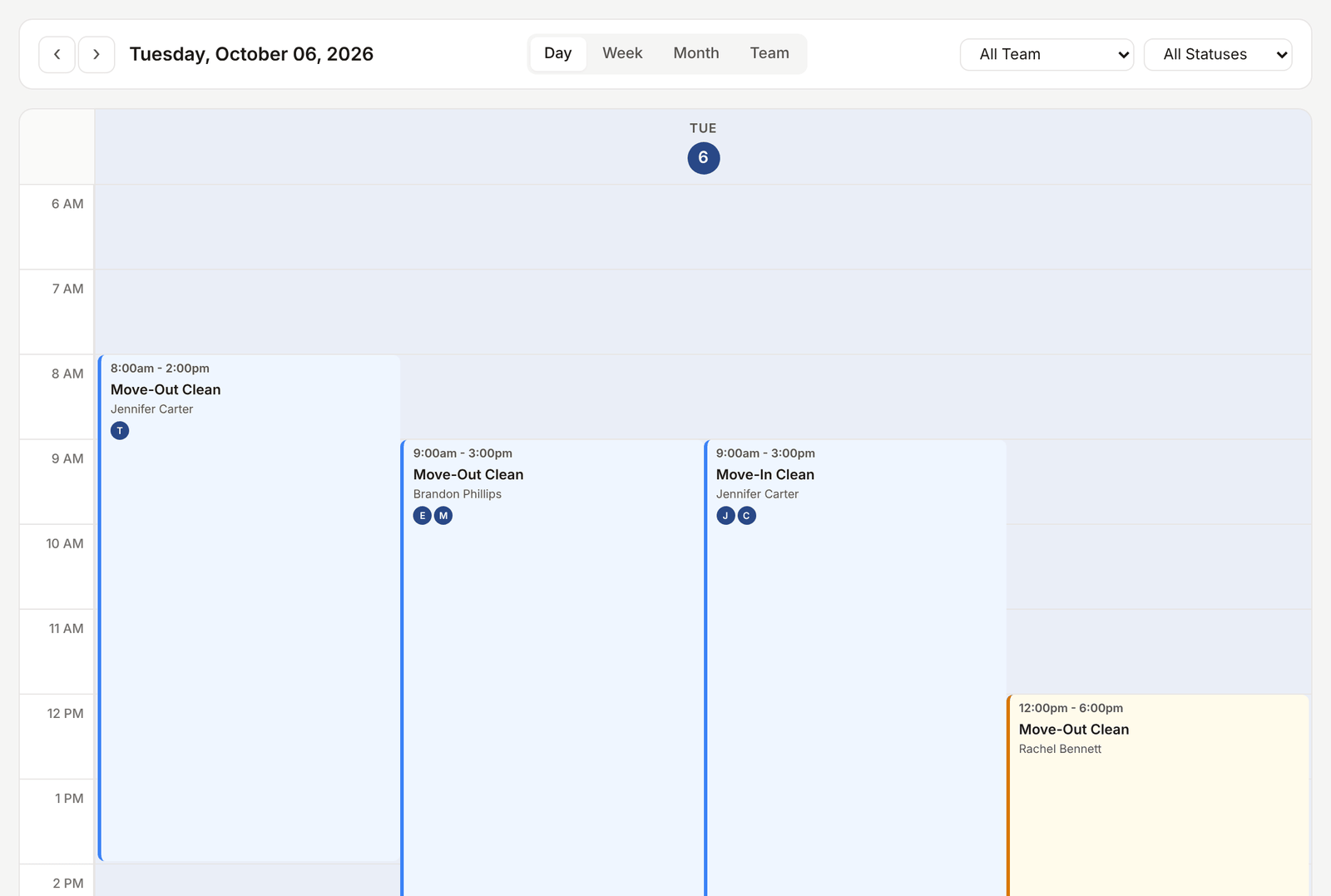
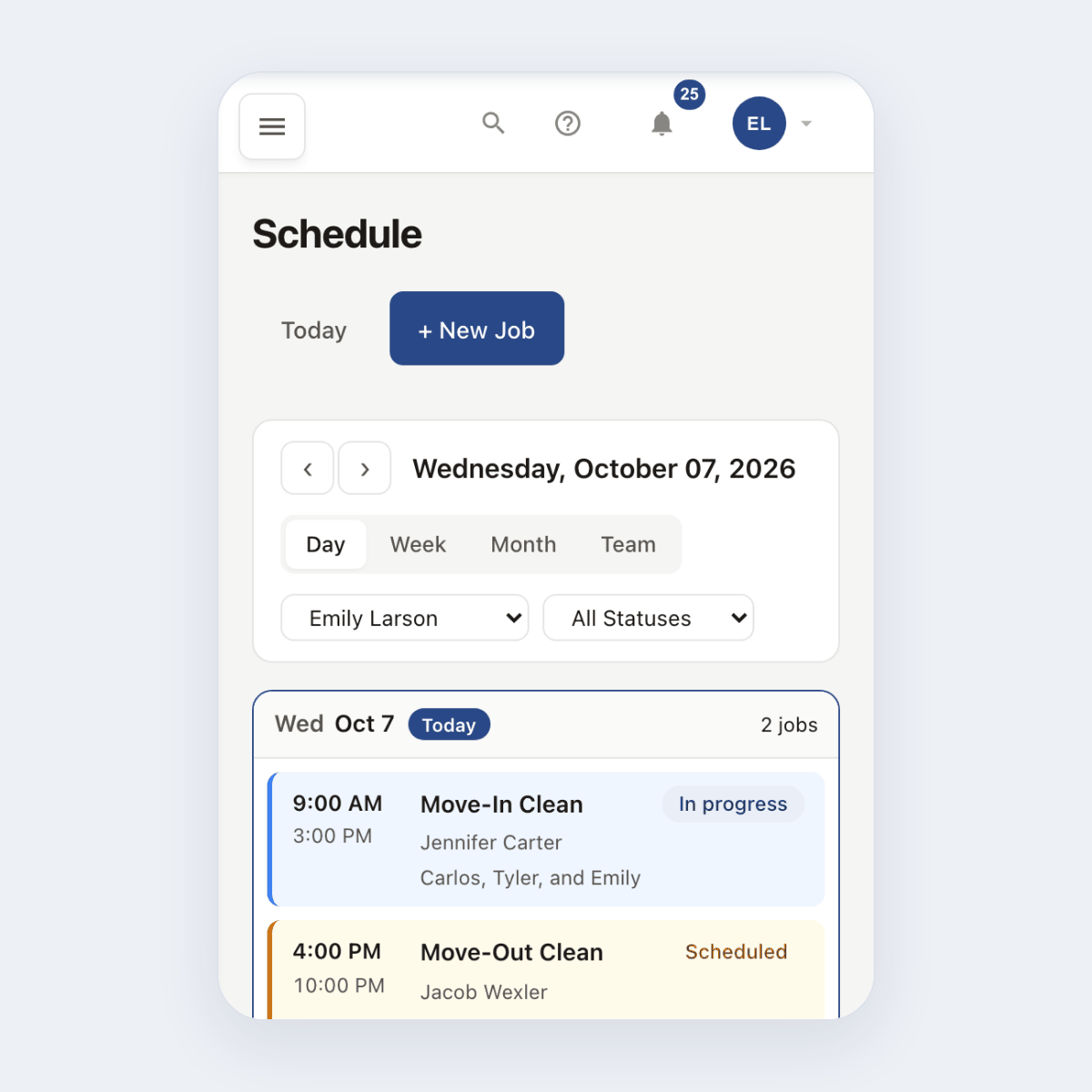
Day for dispatch this morning. Week for planning. Month for big-picture. Team for "who is doing what today." Switch with one click. On a phone, Day, Week and Team turn into a day-by-day list of jobs, and Month shrinks to a compact grid.
-
Drag to schedule.
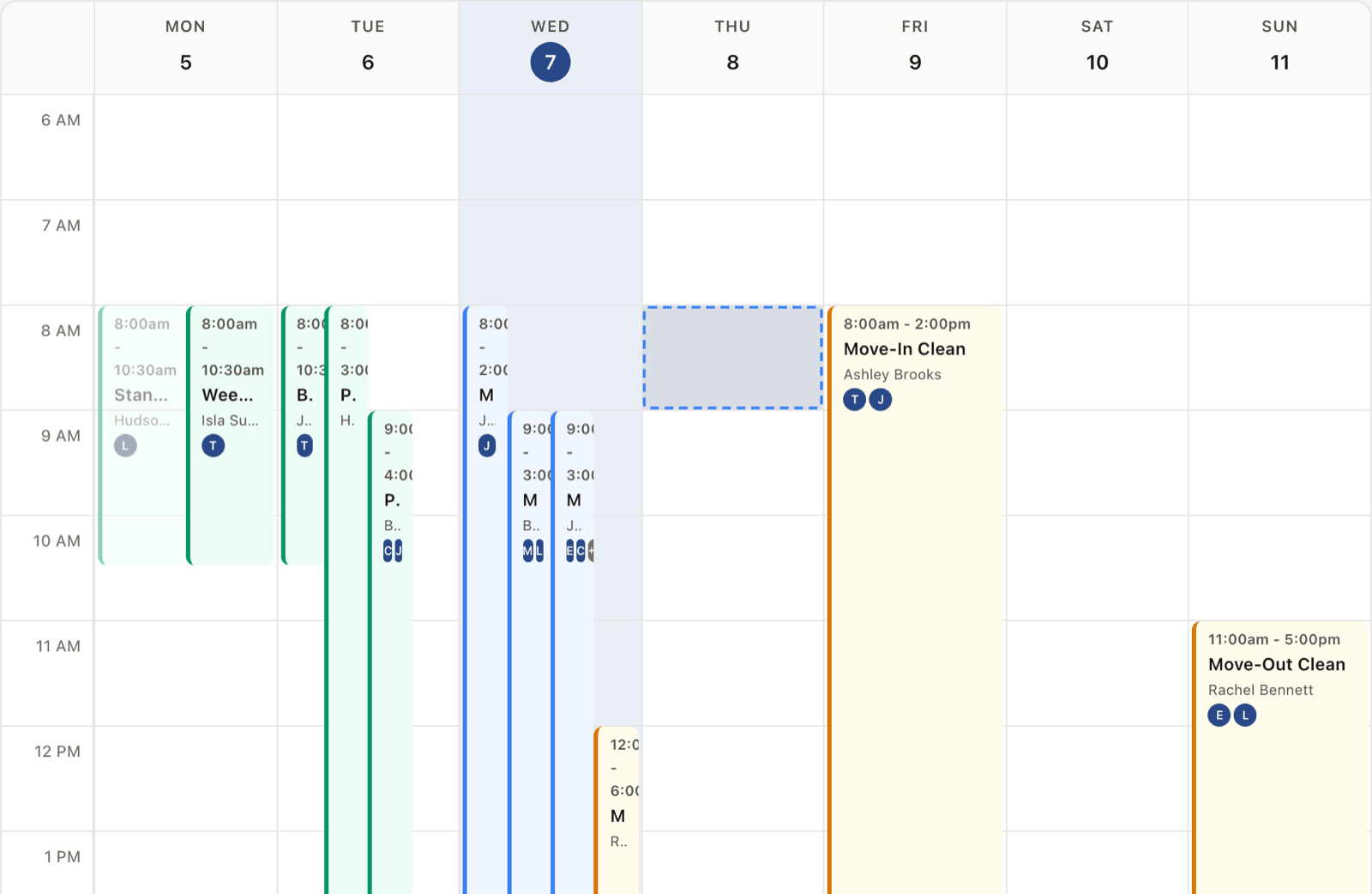
New job lands unscheduled. Drag it to the right day and worker. Need to move it? Drag again. The client gets the updated time if you choose to notify.
-
Recurring jobs auto-generate.
Set the pattern once: weekly cleaning, monthly inspection, quarterly service. The system creates each visit with the right client and services. Cancel any one, the rest stay on track.
-
Workers see only their own.
Each crew member's mobile view shows only their assigned jobs in order. They tap to navigate, tap to start, tap to complete. No scrolling through the rest of the team's day.
See it live
Switch between Day, Week, Month, and Team views in the demo calendar.
Open the live demoNo signup. Click around.
What's included
- Four calendar views: Day, Week, Month, Team
- Drag-and-drop scheduling and reassignment
- Recurring job patterns: weekly, biweekly, monthly, custom
- Multi-worker job assignment
- Worker mobile view that shows only assigned jobs
- Automatic reminder to the client the day before
- On-my-way SMS when a worker starts travel (free on every plan)
- Color coding by job status, worker, or service type
Plan availability
The calendar with all four views is included on every plan including Free. Recurring jobs are included on Solo, Crew, and Shop. See pricing.
Common questions
Can I see multiple crews at once?
Yes. Team view shows every worker as a swim lane with their jobs laid out by time. Filter by service type if you want to see only the cleaning crew or only the HVAC crew.
What if a client wants to reschedule?
Drag the job to the new slot. If you turn on automatic notifications, the client gets the updated time by email or text. You can also send a manual confirmation from the job.
Do my workers see each other's jobs?
By default, workers see only their own jobs on mobile. Admins and managers see the full board. You can change this in settings.
What if I want a job to repeat every two weeks?
Set the recurrence to biweekly. The system generates the next 12 occurrences automatically and keeps going.
Does this sync to my Google Calendar?
You can deep-link from any job to add it to Google or download an .ics file. A full two-way Google Calendar sync is on the roadmap.