Available on
Quotes work on every plan. Free quotes carry an EosLog watermark and cap at 20 per month. See pricing.
Quotes that get signed from a phone, then turn into a real job.
Build it in two minutes, email it, the client signs on their phone, and it converts to a scheduled job in one click. Take a deposit at signature if you want.
What this solves
A quote is the moment a curious lead either becomes a job or disappears. You email a PDF and hope they sign it on a desktop they will never open. You text "let me know if you want to move forward" and they ghost. You drop a Word doc in their inbox and call back three days later to find they signed a competitor's clean digital one instead.
EosLog quotes are built for the way clients actually behave. They open on a phone. The line items are clear. The signature happens with a finger. When they sign, you get a notification, the quote is locked, and the job is on your calendar with their address, the services they accepted, and any photos they sent through intake. You did not have to retype anything.
If you take a deposit, the signature page collects the card. The job does not get scheduled until the deposit clears.
How it works
-
Build the quote.
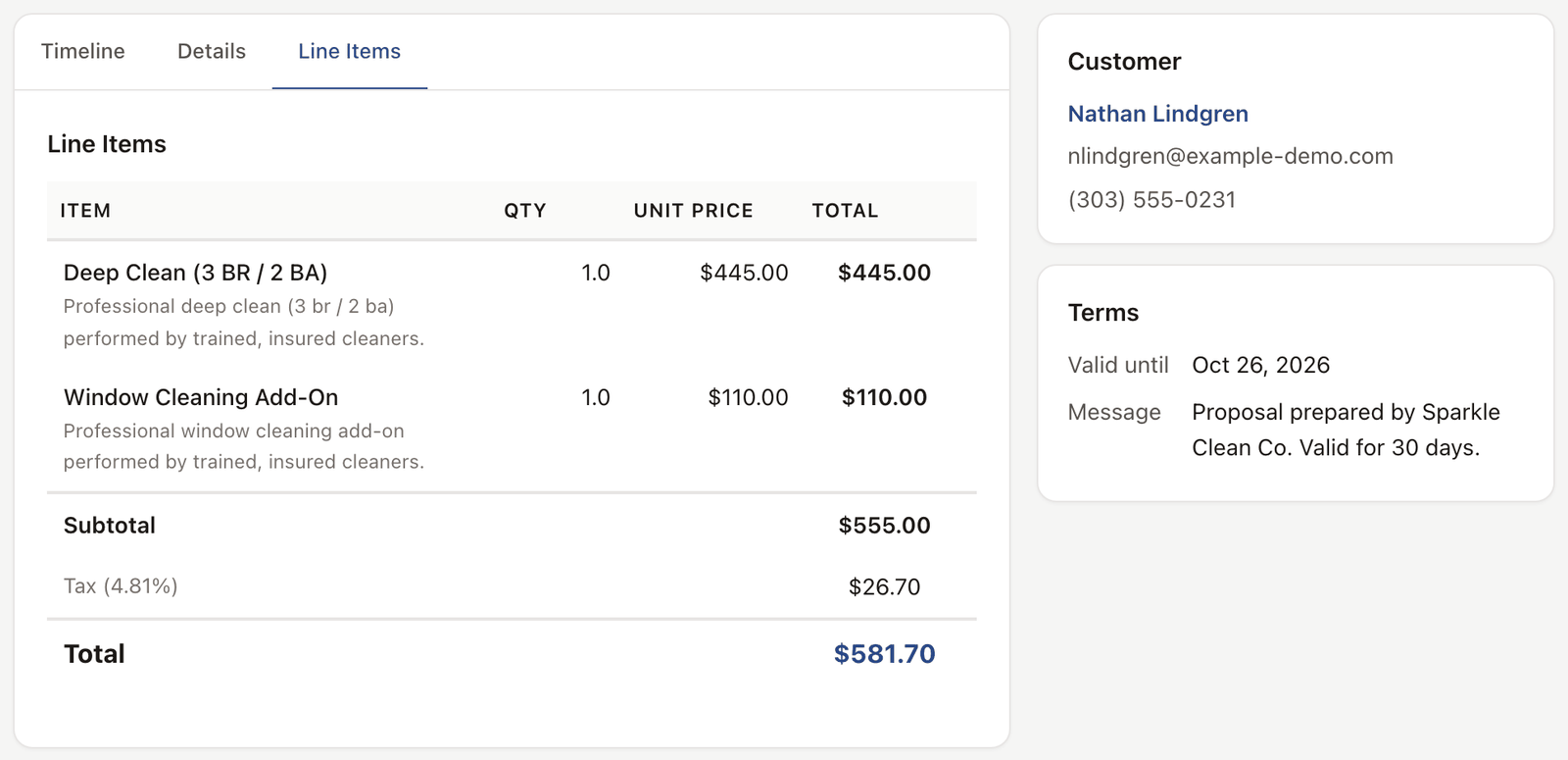
Pick the client, add services from your catalog, edit line items, add a note. Pull from a quote template if you have a repeat job type. Save and preview.
-
Send it.
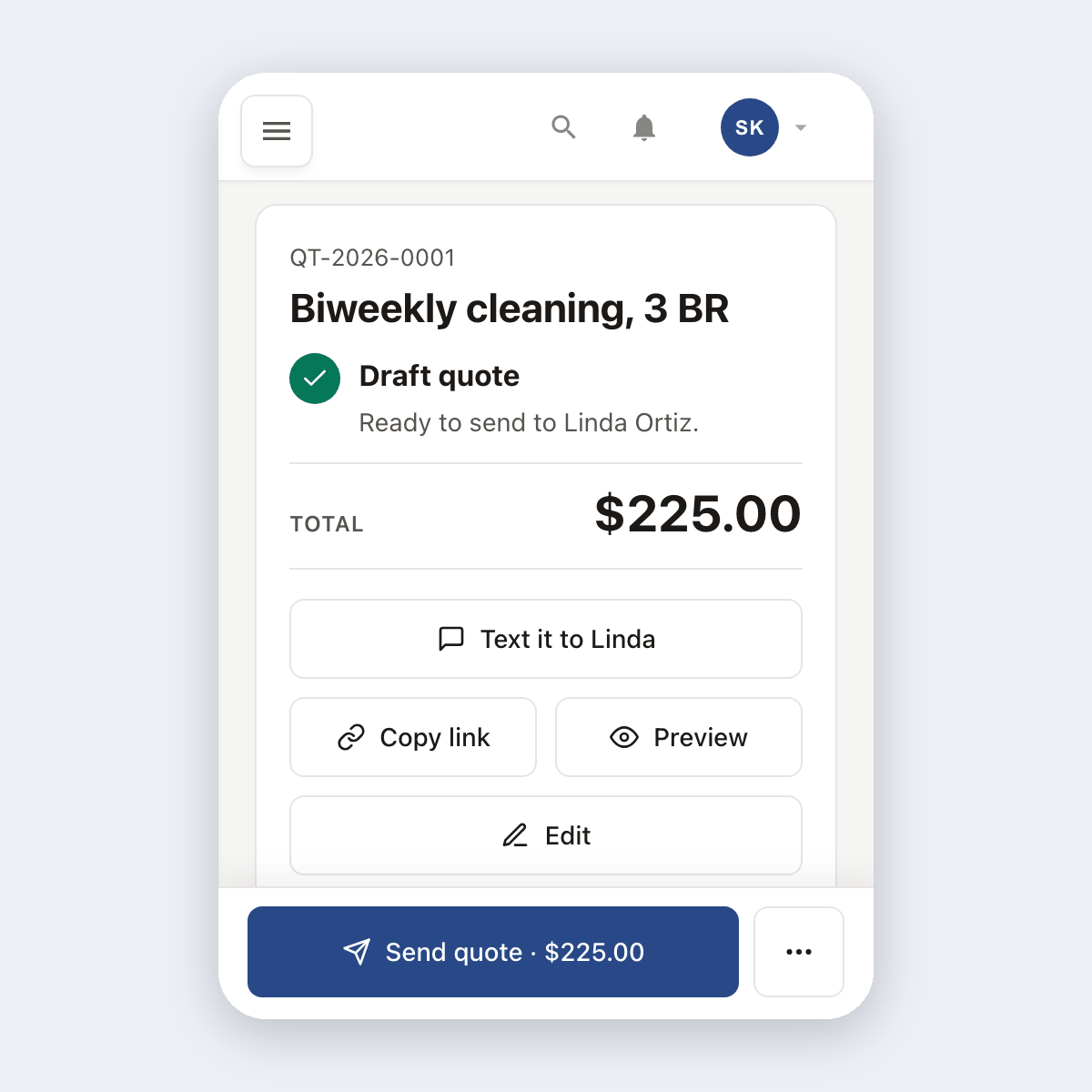
Email goes to the client with a private signing link. Only have their cell number? Copy the link and paste it into a text. On Crew and Shop, tap Text it and your phone's messages app opens with the link already written in.
-
They sign on their phone.
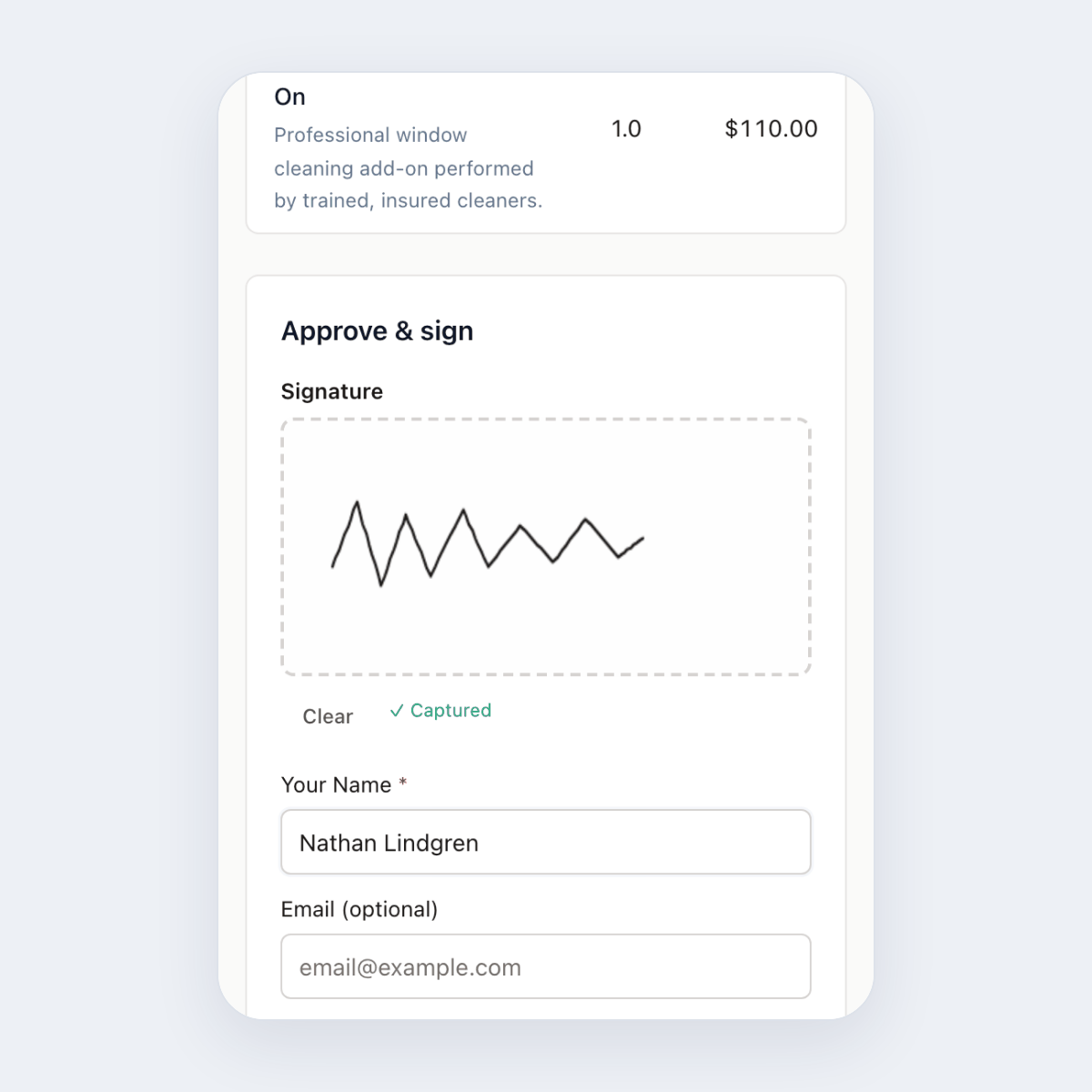
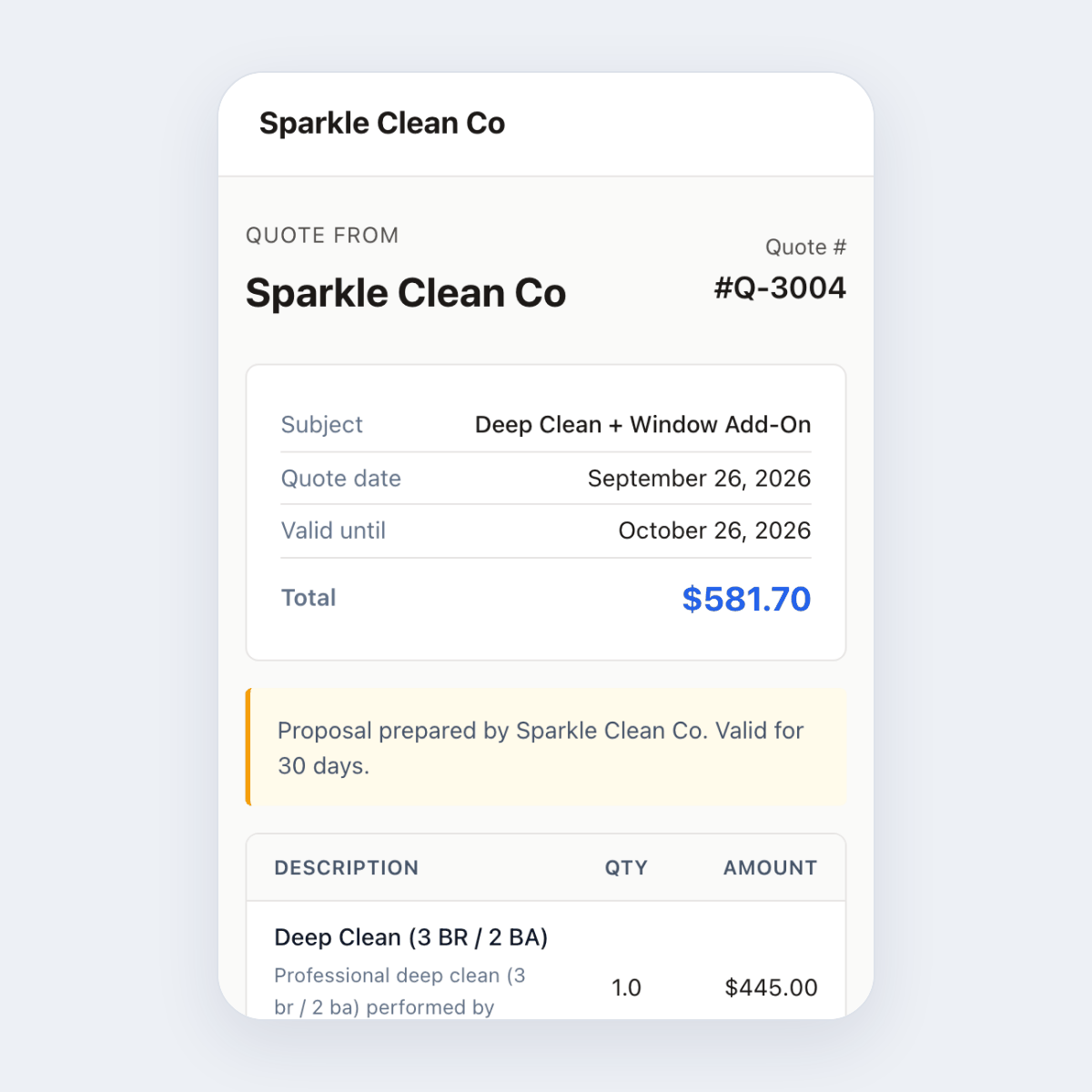
The link opens a clean phone view: line items, total, your terms, signature pad. They sign with a finger and tap accept. Optional deposit fires Stripe Checkout right there.
-
It converts to a job.
You get a notification. The quote is locked so it cannot be changed after signature. One click and it becomes a scheduled job on your calendar with the right client, address, services, and any photos from intake.
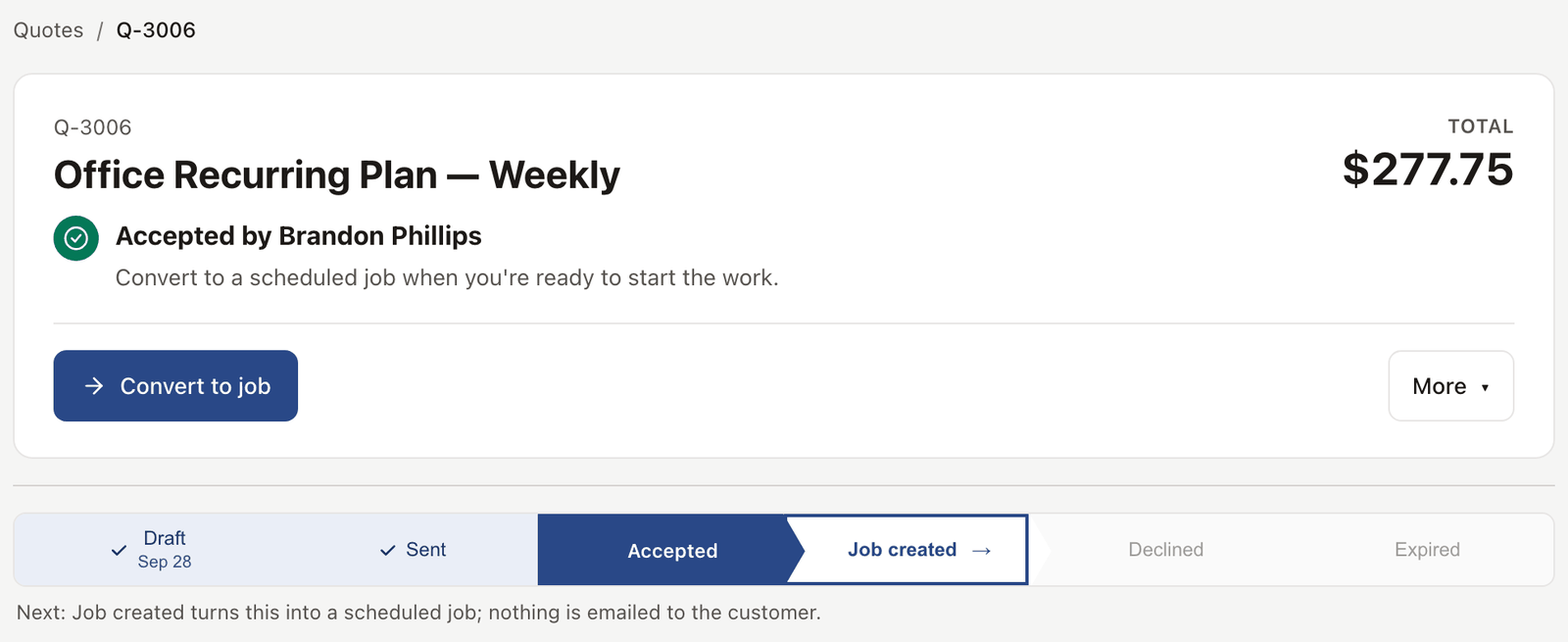
See it live
Open any quote in the demo, click through the client signature flow, see what they see on a phone.
Open the live demoNo signup. Click around.
What's included
- Line items pulled from your services catalog
- Quote templates for repeat job types
- Per-quote terms and notes
- Email delivery, or copy the signing link and send it yourself (one-tap Text it on Crew and Shop)
- Mobile-first client signing view
- Optional deposit collection at signature (Stripe Checkout)
- One-click convert to scheduled job
- PDF copy archived to the client record
Plan availability
Quotes are on every plan. The Free plan caps you at 20 quotes per month with an EosLog watermark; Solo, Crew, and Shop are uncapped and unbranded. Deposits and online payment work everywhere through Stripe Connect (1% app fee on Free, waived on paid). Text it, which opens your phone's messages app with the link written in, is on Crew and Shop. Automatic quote follow-ups at 3, 10, and 24 days are part of workflow automation on Shop. See pricing.
Common questions
Does the client need to download anything?
No. The signing link opens a web page on their phone. No app, no PDF reader, no account.
Can they reject a quote?
Yes. They can accept, reject, or request changes. A rejection or change request creates an inbox thread so you can talk it through.
What if they sign but never pay the deposit?
The signature is captured, but the job is not scheduled until the deposit clears. You'll see the quote in a "signed, awaiting deposit" state in your inbox.
Can I add my own logo and colors?
Yes. Upload a logo in settings. Set your accent color. Quotes ship branded.
Does this work if a client is in front of me right now?
Yes. Open the quote on your phone or tablet, hand it to them, and they sign on the spot. Same flow.